
One organized TV experience
Find live TV, movies, shows, and sports through ODI’s menu.
Your language. Your favorites. Your connection to home.
 Mexico
 Philippines
 Canada
 India
India Japan
Japan France
 Italy
Italy Australia
 United Kingdom
 Armenia
SOUTH AMERICA
 Brazil
 Argentina
 Colombia
Examples of international viewing options. Ask ODI to confirm your preferred channels and languages.
Ask about your country’s channelsExplore live TV from around the world, movies, shows, and sports through one compact Sexy Hexy box. Find familiar languages and discover something new.
This new model does not include retro games or game controllers. Content availability varies by country and provider. Confirm the current package accessories, channels, and terms with ODI before ordering.
ODI-reported catalog totals. Counts and content may change; availability depends on region, provider, software, and licensing. Ask ODI to check specific channels or events.

Movies, live sports, shows, and international viewing all start with choosing the ODI TV model that fits your home.
See the gaming modelThe streaming box is the star. Ask ODI to confirm the exact accessories included with the current offer.
The compact streaming device with the ODI TV entertainment menu.
Navigate your TV experience from the couch.
Connect the box to an HDMI television and power source.
Follow the on-screen setup instructions and ODI support resources.
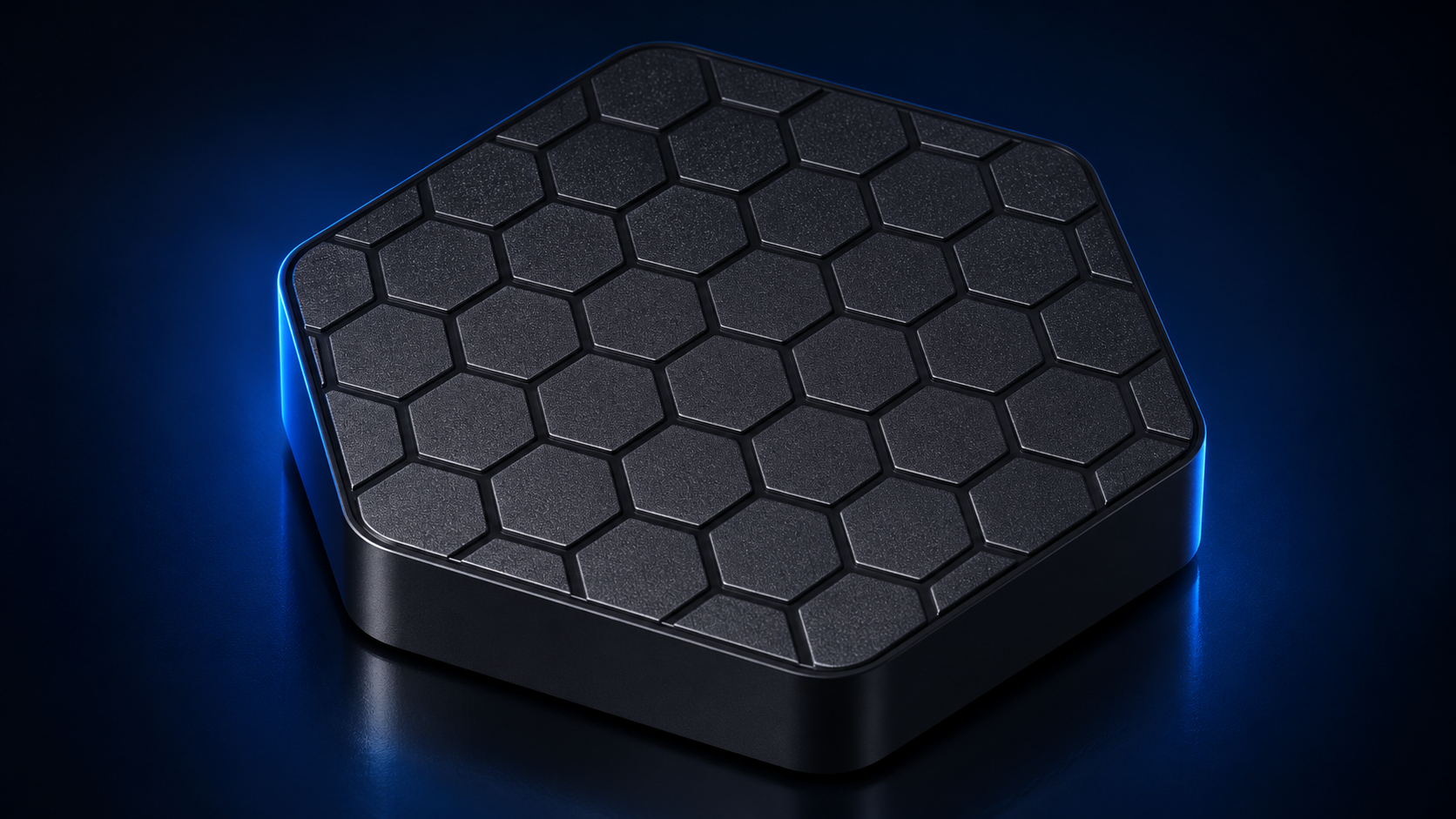
The product image shows the box only. It is a studio rendering based on photographs of the hardware; refer to the order details for exact package contents.
Built for movie nights, live sports, international viewing, and families who want a simpler place to start.
Find live TV, movies, shows, and sports through ODI’s menu.
Explore international viewing and ask us to check the channels and events you care about.
Buy the box once. Internet and optional paid third-party services are separate.
Use setup resources and reach the ODI support team with questions.
Special offers and owner benefits are in development.
One screen or several rooms. Ask ODI for a confirmed order link for the new streaming model.
Sexy Hexy, the new ODI TV streaming box. Internet and optional third-party services are separate.
Request order linkLooking for several rooms? ODI can confirm the current multi-box discount and package details.
Request 2-box pricingLooking for several rooms? ODI can confirm the current multi-box discount and package details.
Request 3-box pricingThese inquiries do not charge your card. ODI will confirm availability, shipping, tax, accessories, and the checkout link for the new model.
Connect the box to an HDMI television and to the internet, then follow the on-screen setup.
Connect the box to power and your television’s HDMI input.
Choose your network and follow the on-screen instructions.
Browse the menu and use ODI’s help resources if you need guidance.
No ODI monthly subscription is required for the box. Internet service and any optional third-party paid services are separate.
It connects to a television with an HDMI input. An internet connection is required.
No. Sexy Hexy does not include the older retro-games library or game controllers.
Supported services may allow you to sign in with your own account. Apps and subscription requirements depend on each provider.
Use the order-link request above. ODI will confirm the current offer, accessories, shipping, tax, and checkout for this specific model.
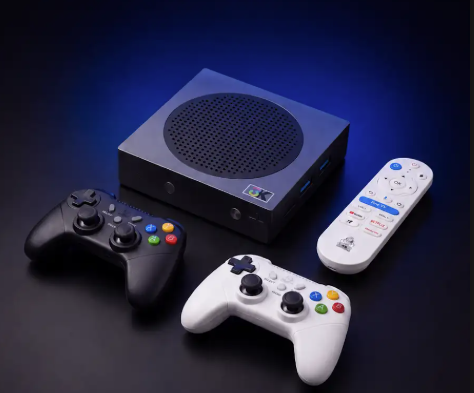
Looking for games too? This is the separate ODI TV 2.0 model with an ODI-reported library of 40,000 retro games and two wireless game controllers. It also offers live TV, movies, shows, and sports.